
5 tips to reduce roaming charges whilst working abroad
April 4, 2025
Stay connected overseas without the high costs
Read our business travel tips on how to connect overseas for less.
When it comes to travelling for business, staying connected is essential - but excessive data charges can put a serious dent in your budget. You may choose a plan with inclusive roaming options, such as our 24 month Boundless plans, but if roaming’s not included, it’s important to watch your spending.
We've put together 5 tips on keeping your data usage in check while on the move, including the things you should put in place before you travel.

Before you travel: prepare your device
1. Adjust or review your Spend Cap
Before you set off on your business trip, be sure to review your Spend Cap. If it’s set to £0, you may not be able to roam if a daily charge applies. If you increase your Spend Cap, remember to reduce it again when you return to the UK.
Multi-line business SIM offer

Go Boundless
The more you buy the more you save, with inclusive roaming options on our 24 month plans. All Boundless plans include:
- Unlimited UK data
- 5G-ready SIMs
- Simple switching
2. Download your maps
Navigating abroad can be stressful, especially if you’ve got a packed schedule. You can download an offline version of Google Maps by opening the settings menu and selecting ‘Offline maps’. You can then download an offline map of the area you’re due to be staying in and will be able to navigate without using any data.
3. Pre-download apps and files
While you’re still in the UK, use your data to download translation apps, business and travel documents, project files, or any shows and films you may want. Downloading them before you travel will avoid heavy data use when you get there.
During your business trip:
4. Use secure Wi-Fi networks
From hotels to local cafes, free and secure Wi-Fi connections can be found all over, and get you online without using your data. Just make sure the connections are secure and legitimate to avoid any data security risks. Keep your devices, data, and privacy secure with Three Mobile Protect.
5. Turn off mobile data unused apps
Apps use data in the background even if they’re not running, so make sure you turn off mobile data for non-essential apps via your settings. You can check which apps are being used while abroad via your mobile data, or Network & internet settings on your work phone or tablet.
Real business savings with Three Business
Global Commissioning manage security and safety for hyperscale data centres in the UK and Europe. Their international team needed an affordable, flexible roaming solution.
“As we have engineers travelling from the UK to Europe, it's important that all the countries we need are covered, with a consistent price.
We’ve saved thousands of pounds per month by switching to Three Business.
The future is exciting for Global commissioning, and we're excited for Three Business to be a part of it.”
- Louis Charlton, Chief Executive Officer
Global Commissioning
Our data roaming cap: we’ll keep you within budget
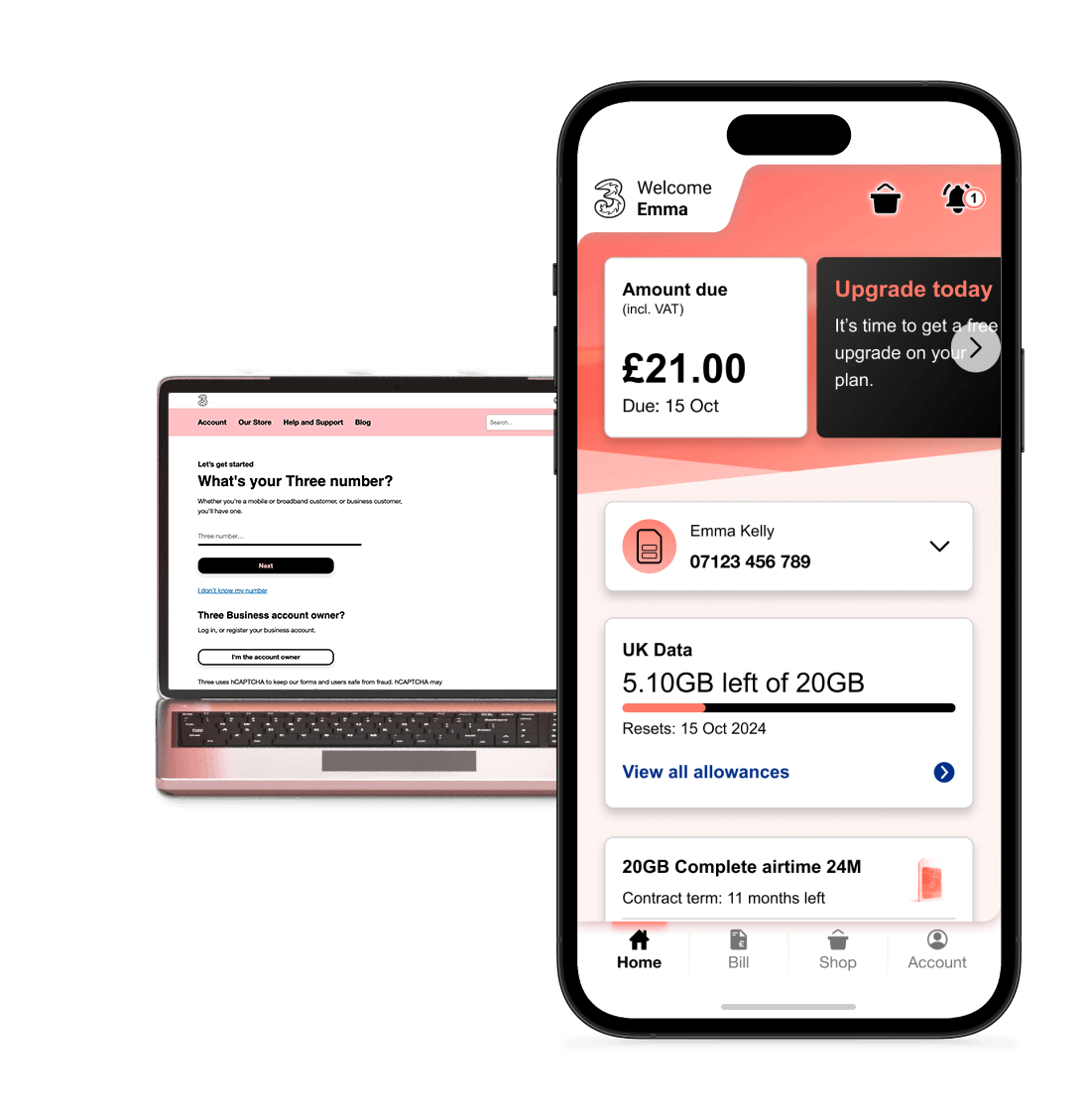
To help you control your costs further when you do business abroad, we've also set a worldwide data roaming limit of £45 per monthly bill cycle (exc. VAT). And you can review and keep track of your business travel expenses by logging into or registering your Three Business Account.
Stay connected, stay in control, and travel smarter with Three Business.