Getting ready to roam
There are some things you need to do before you can use your device abroad. Before you jet off, use our roaming checklist and get roaming ready.
Switch on Data Roaming
If you want to use data while you’re abroad, you’ll need to make sure Data Roaming is turned on in your device settings. You can see exactly how to do this on our device support pages.
Check roaming costs
Use our Destination checker to find out how much it costs to use your device in the country you’re visiting. You can also buy any Go Roam passes or Data Packs.
Check your Spend Cap
Make sure your Spend Cap will cover any daily roaming charges. You can check this using our Destination Checker, then set a Spend Cap on the Three app or My3.
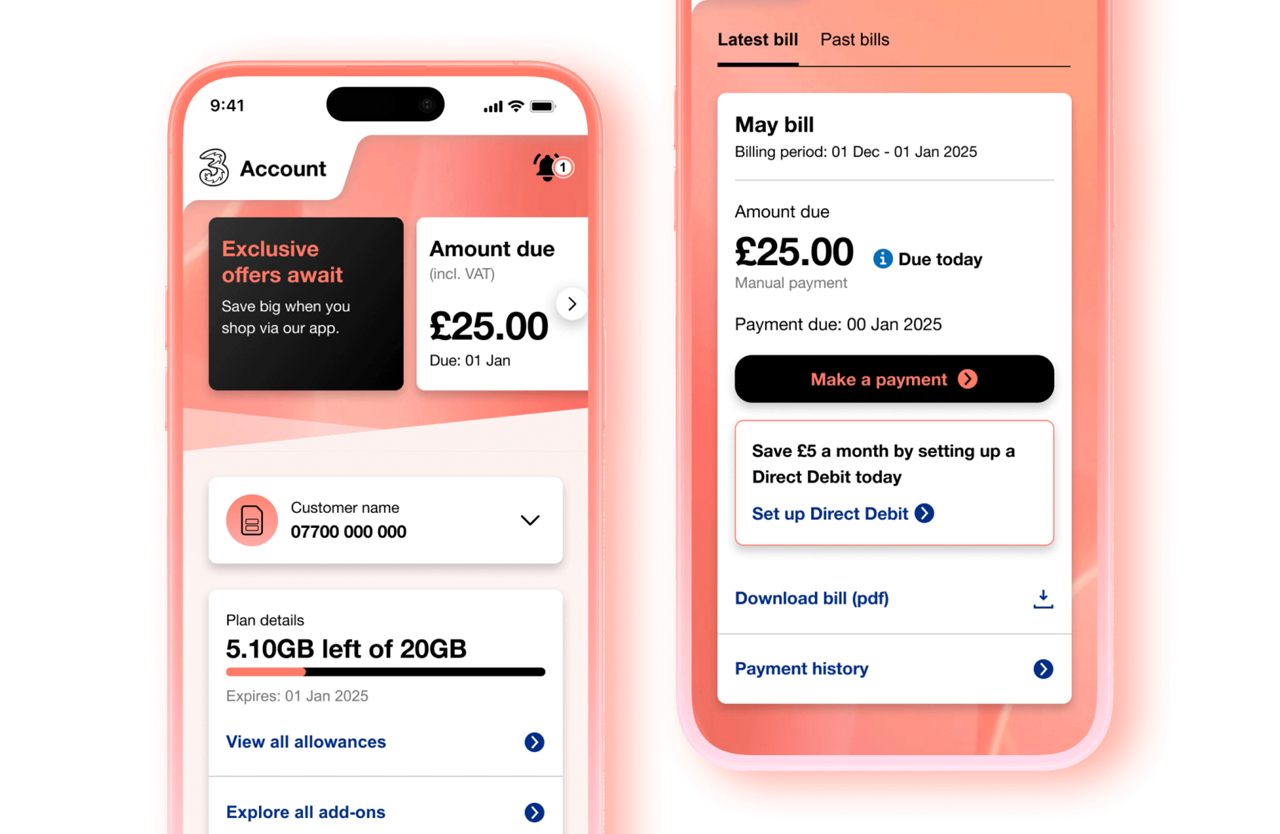
Install the Three app
It’s the easiest way to keep track of roaming allowances and how much data you’re using. Download the app and log in before you travel, so everything’s ready when you need it.
Your account, at your fingertips
Manage your account easily on the Three app.
View our support guides on how to manage your plan, your account, and get help if you have problems logging in.