How roaming works

What happens when you use your device abroad? Here’s everything you can expect when you arrive, while you’re there, and when you get home again.

  • As soon as you turn on your device or switch off airplane mode, it’ll connect to one of our roaming partner networks. If you have data roaming switched on, your device will usually start using background data immediately. 
  • We’ll check what roaming allowance your plan has.
  • If you’ve opted in to service notifications, you’ll get a welcome text from us. It’ll include key information like rates, data caps, and tips on using your device abroad. You can opt in by texting START to 333.

Roaming tip: 
Use our roaming checklist to make sure your device is ready to roam. 

  • Your phone stays connected using our partner networks. It’ll automatically connect to the best network – just make sure your phone isn’t set to manual network selection. 
  • If you’re in a Go Roam destination, you’ll be able to use your allowances as normal – depending on your plan. We’ll only charge you extra if you use more than your inclusive allowance or go over our fair use policy limit. 
  • If you’re somewhere not included in Go Roam – roaming rates will apply. 
  • Spend Caps and Data Roaming Limits will help you to manage the amount you spend. 
  • Use our destination checker to find out roaming charges for all destinations.

Inadvertent roaming

This is where your device accidentally connects to a network in another destination. It can happen if you live or travel close to a coastline or an international border. 

Connecting to another network may mean you pay higher roaming charges. For more information on inadvertent roaming, including inadvertent roaming in Northern Ireland, check our roaming FAQ page.  

Roaming tip: 
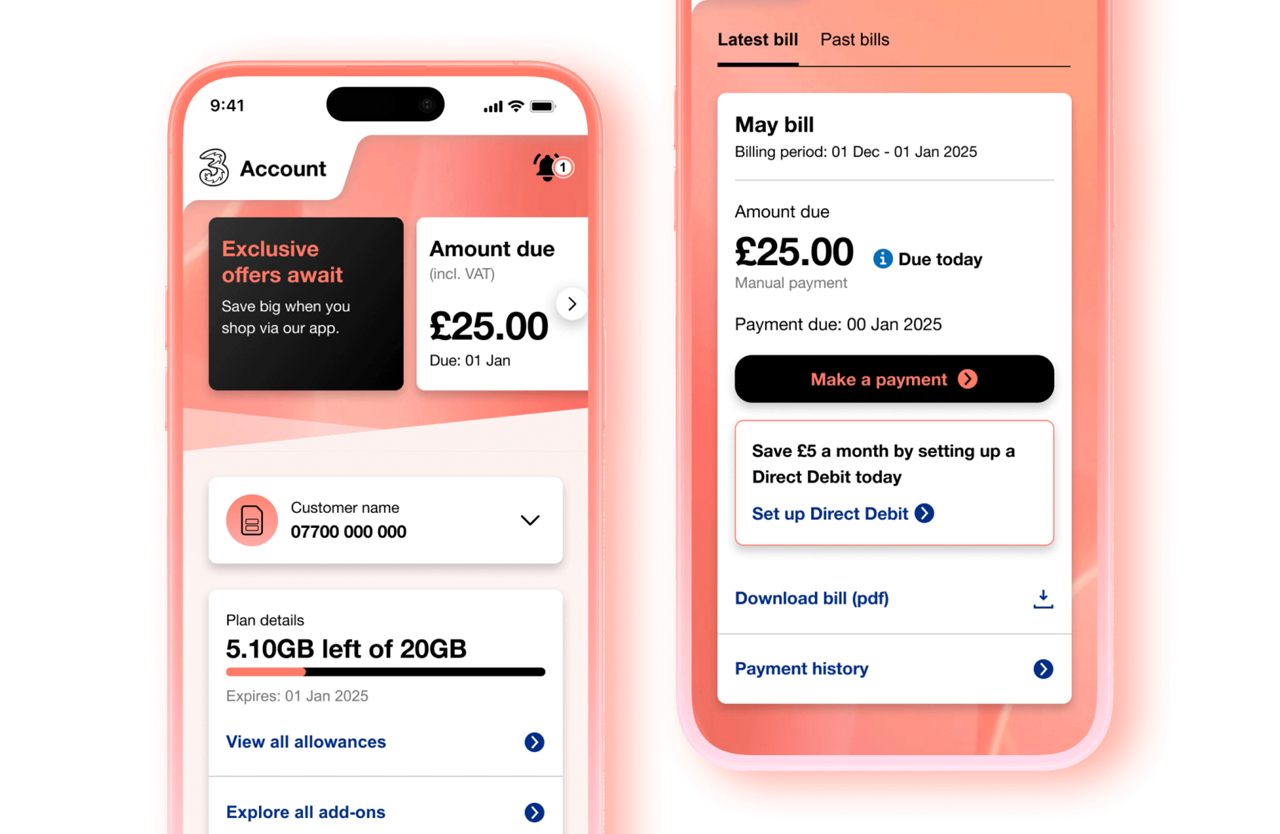
Use the Three app to track your usage while you’re away – it’s free to use and won’t use up any data.

  • We’ll stop tracking roaming as soon as you arrive back in the UK.
  • You’ll reconnect to our network automatically.
  • If you have any charges, they’ll be added to your next bill. 
  • Check your bill on My3 or the Three app for a full breakdown.

Roaming tip: 
If you turned off any settings to save data, don’t forget to switch them back on when you arrive back in the UK. 

Your account, at your fingertips

Manage your account easily on the Three app.

View our support guides on how to manage your plan, your account, and get help if you have problems logging in.