

Welcome to Home Broadband
It’s time to settle in and get to know your new account and hub. From getting set up to tips on how to get the best performance from your hub, here’s everything you need to know.
How to get the best performance
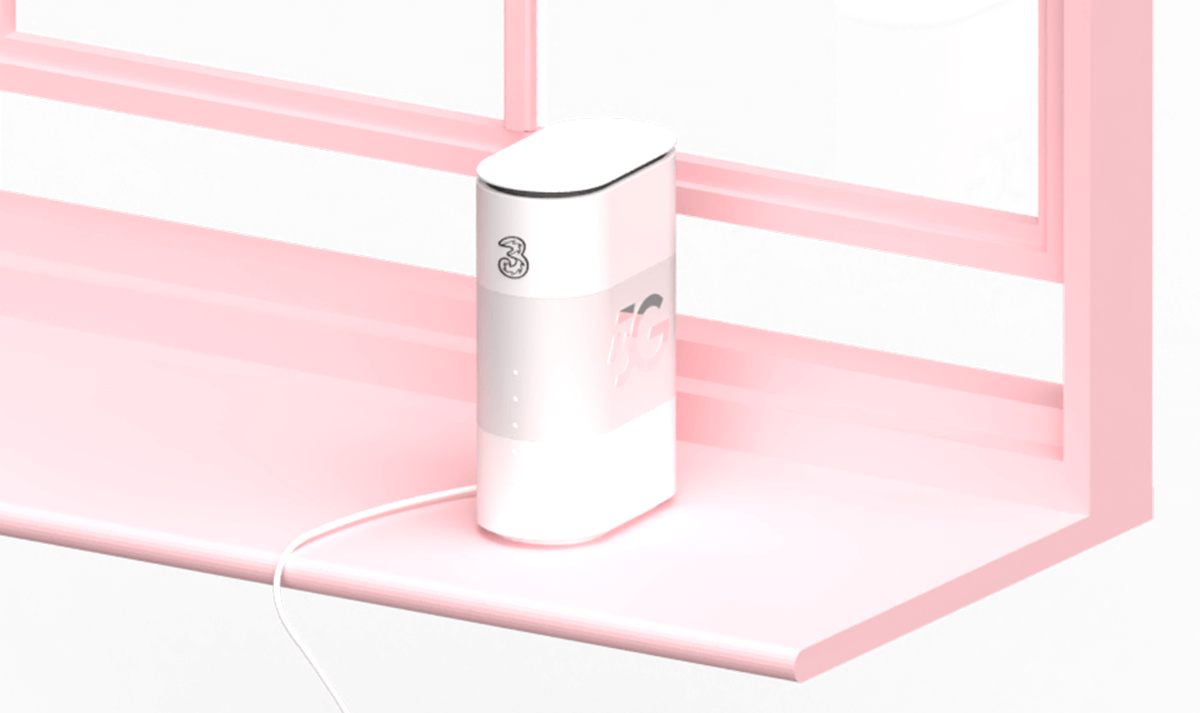
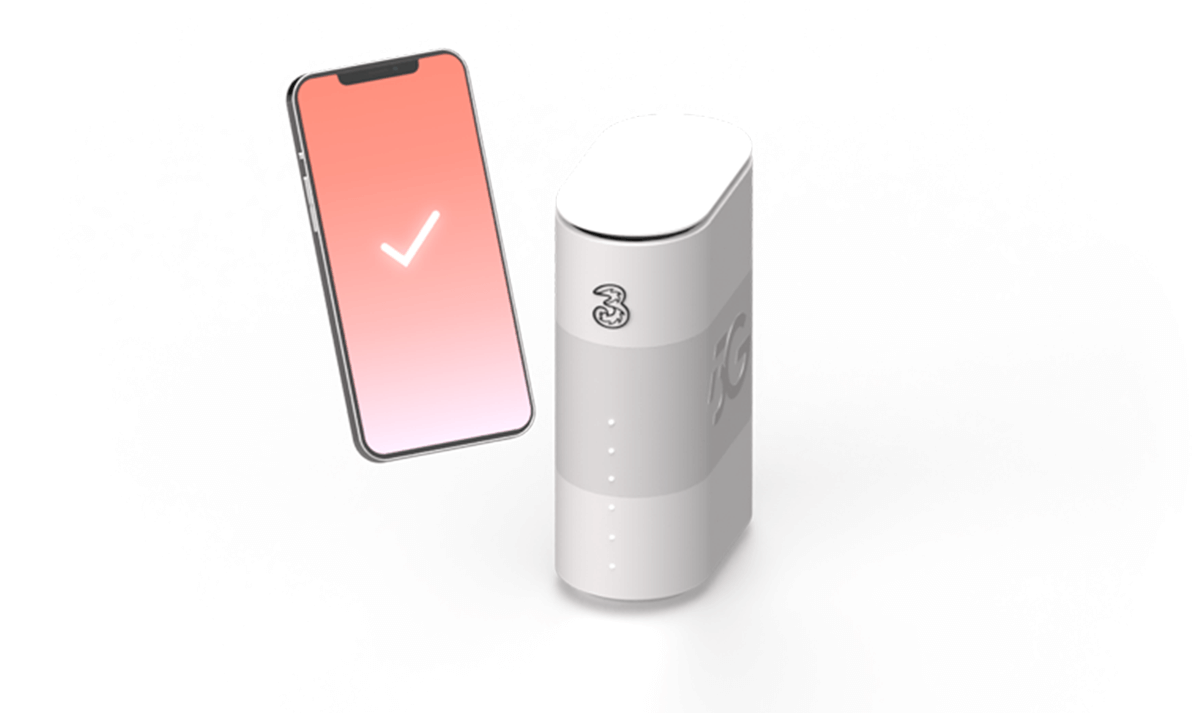
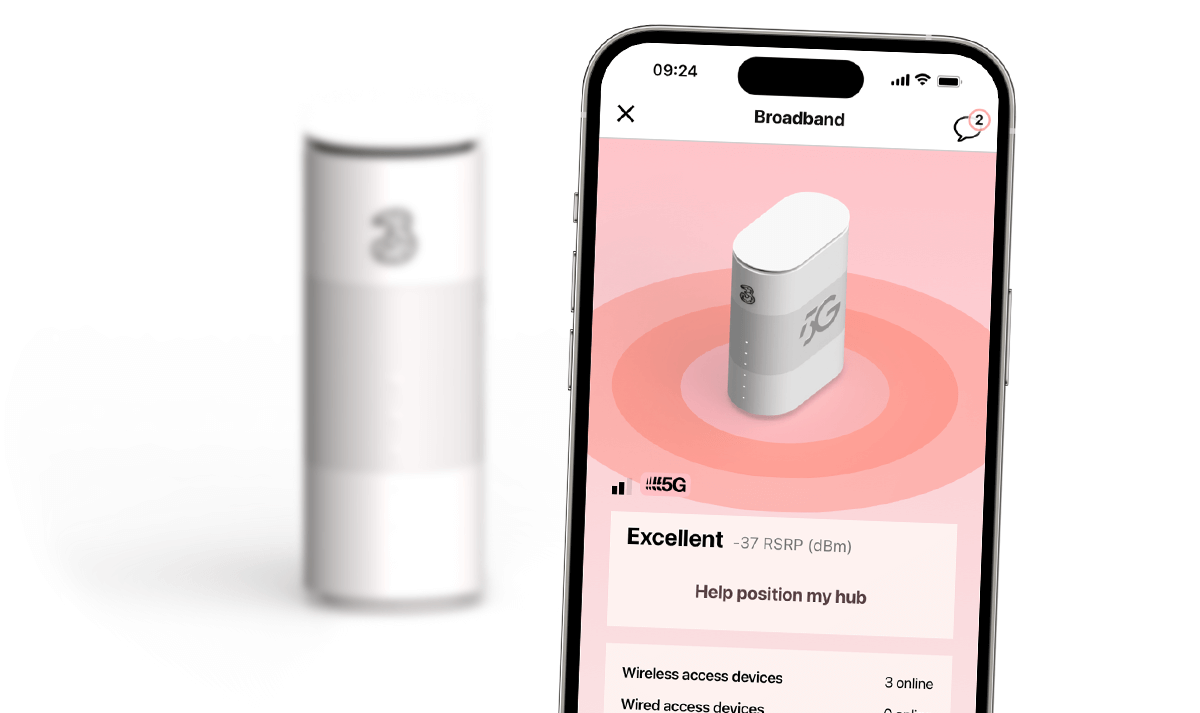
Take a closer look at hub setup
Find out how to get the best possible signal from your hub.
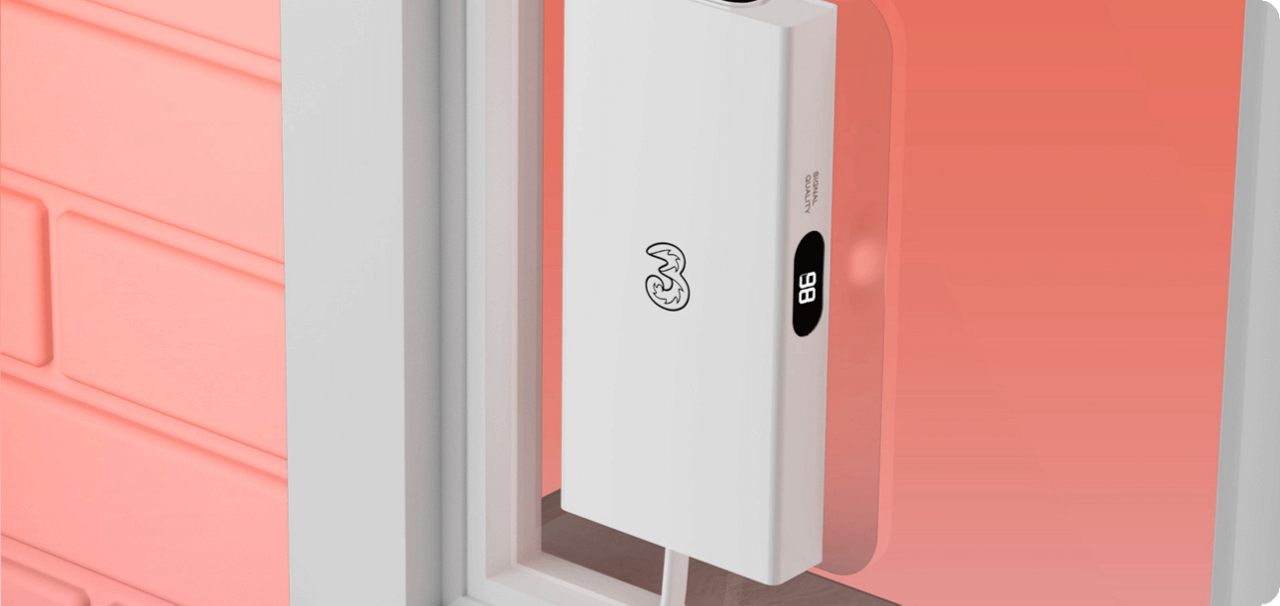
5G Home Broadband outdoor hub support
Need help setting up and using your 5G Home Broadband outdoor hub? Find out everything you need to know.

Registering, logging in and managing your account
From tracking your bills to checking when it’s time to upgrade – managing your account is easy with My3 and the Three app. And you can use it to personalise your Wi-Fi and share access with family and friends.
Registering for the first time?
You’ll need your Three number and a valid email address.
Got more than one number?
If you’ve got more than one account or number with us, you can manage everything in one place using the same email. For steps on how to set this up, go to the Registering, logging in and managing your account page.

Help with your hub
Want to get to know your hub a little better?
Our device support pages have everything you need, from how-to-guides and troubleshooting steps to device specifications. Pick your device to get started.
Finding your number
Finding your number
Your Home Broadband account has a number, since it uses our mobile network. You’ll need this number to register for My3 and the Three app.
Can’t find your number?
You’ll find your Home Broadband number on your order confirmation, welcome emails, and bills. If your SIM hasn’t been pre-inserted into your hub, it’ll be on the packaging too.
You can also go to the Finding your number page for steps on where to locate it on the Three app.
Your first Bill
Your first bill will be available 6 days after placing your order. It may take a few days to show on My3 or the Three app but we’ll let you know by text or email when it's ready. It’ll be slightly higher than your usual monthly charge as it covers your first full month plus 6 days.
You can keep track of your bills and usage any time using My3 or the Three app.
Find out more about your first bill.
Adult content filter
Every new Three device has our adult content filter switched on by default. So, you won’t be able to access any age-restricted sites while connected to your hub.
This filter is easy to switch off though. Once you’ve verified your age, you can check and change it using the Three app, My3, or by going into any Three store.
Ways to pay
When you open your account with us, you set up a direct debit or regular card payment to pay your Airtime bill.
Need to make a change? There are other ways to pay, but don’t forget, you save £60 a year when you pay by direct debit or regular card payment.
Network Status Checker
Having connection issues? Check for maintenance or planned works in your area using our Network Status Checker.
Returns
Changed your mind? Or things not quite as you expected?
You’ve got 30 days from when you get your hub to return, exchange, or cancel your Home Broadband services.
Find out more about our returns and exchange policy
Accessibility
We know every situation is unique and aim to provide the right level of support for all our customers.
Whether it’s visual, audio, or vulnerability support, find out more about accessibility at Three.