

Internet and apps
All you need to know about setting up and using the internet on your device.
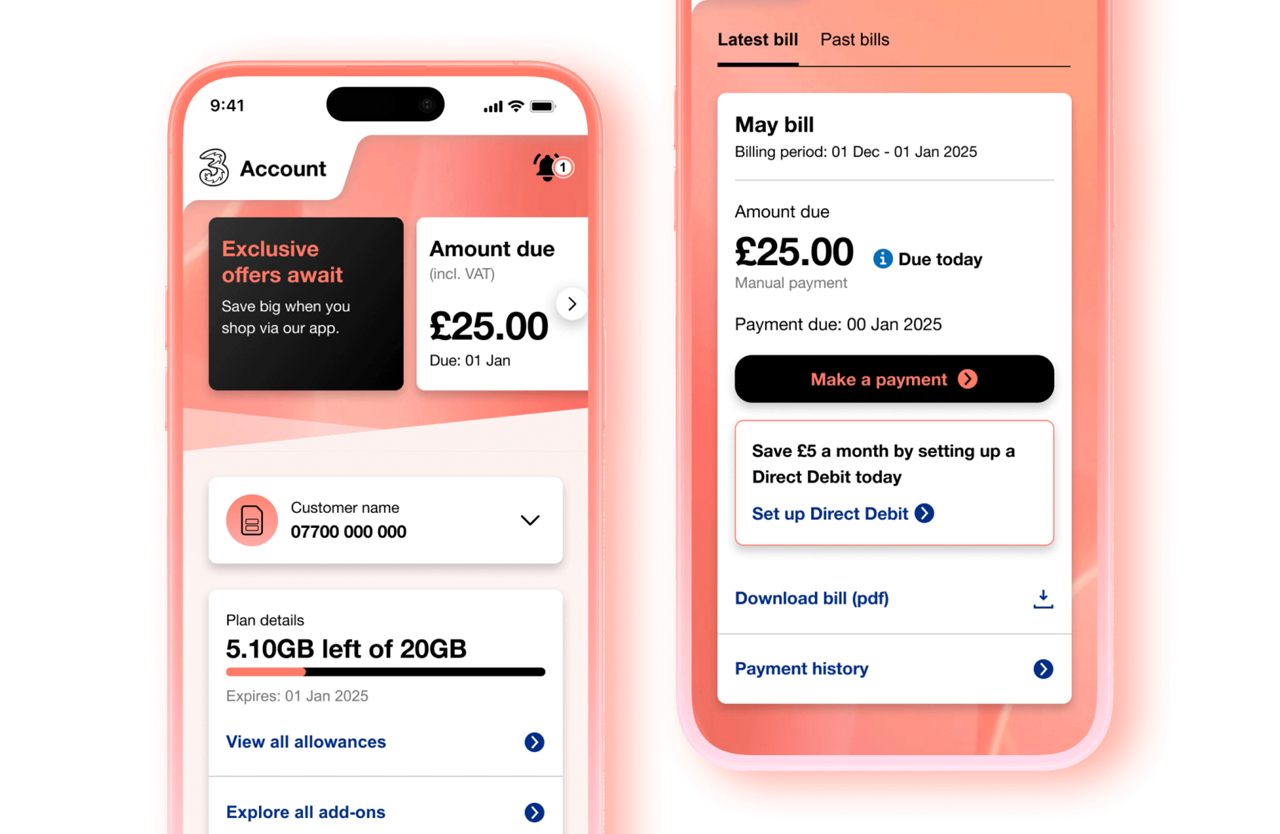
Your account, at your fingertips
Manage your account easily on the Three app.
View our support guides on how to manage your plan, your account, and get help if you have problems logging in.


Getting started
Setting up your data connection
Learn how to use the internet and send pictures.
Managing adult content settings
Learn how to block and unblock adult content on your device.
Managing your data usage
Internet on your phone
Managing your data
Apps and services


Three+ rewards app
Enjoy exclusive offers from brands you love – just for being on Three.


Paramount +
Hit movies, exclusive premieres, and original shows, all included in our Complete plans.
Explore Paramount+

Bitdefender
Powered by Bitdefender, Three Device Security gives you more protection when using your device to browse online.
Find out more about Three Device Security